365.Merch · Articles
How to prepare artwork for printing and embroidery: what to check before you send it
365.APParel team·Published
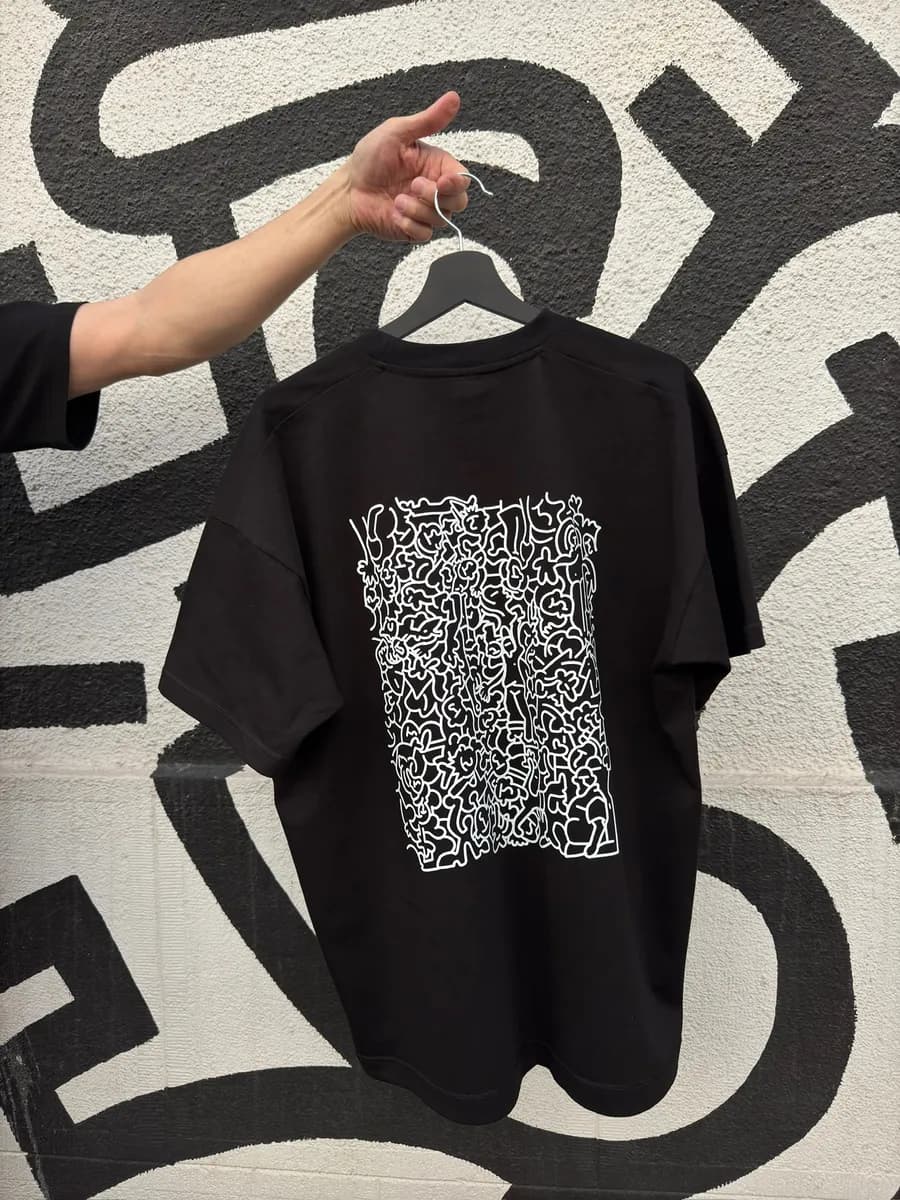
Send the artwork as a vector file or a layered PDF, at 1:1 scale. These two requirements are the same for DTF, screen printing and embroidery.
Format: vector or layered PDF
A vector file stores the design as lines and shapes, so the edges stay sharp at any size; a layered PDF works too. Send us the artwork, and we take care of preparing it for printing and embroidery, including the file for the embroidery machine.
Scale 1:1
At 1:1, the size of the mark in the file is its size on the garment. Your editor shows the width and height in centimeters; if they differ from what you want on the garment, fix the scale before sending.
Placement and size depend on each other: read Where to put a print on a T-shirt: chest, back, sleeve.
Print sizes by technique
The size of the mark in the file should match its size on the garment and fit the limits of your technique.
| Technique | Width | Height |
|---|---|---|
| DTF | up to 30 cm | recommended up to 50 cm, up to 100 cm possible |
| Screen printing | up to 50 cm | up to 80 cm |
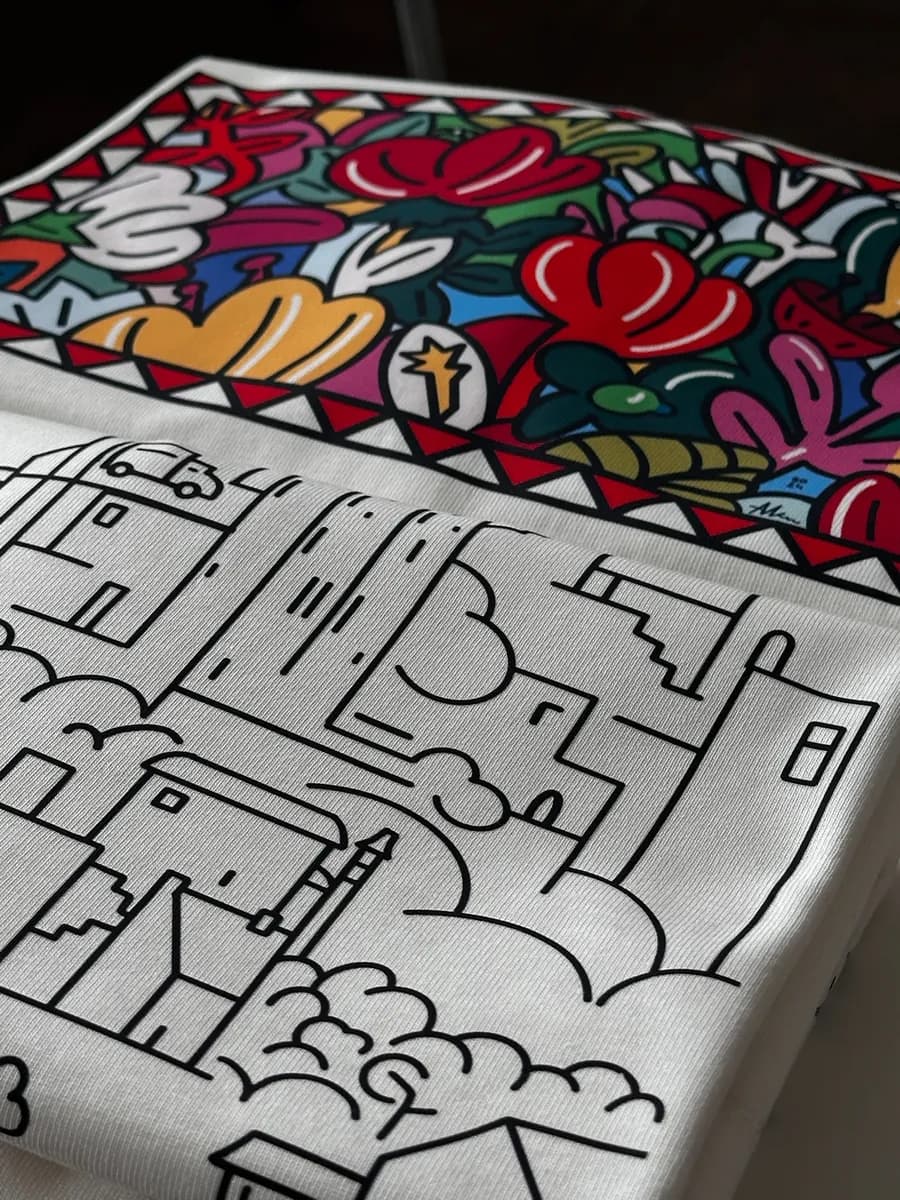
In DTF, a tall, narrow design can go above 50 cm in height, up to 100 cm.
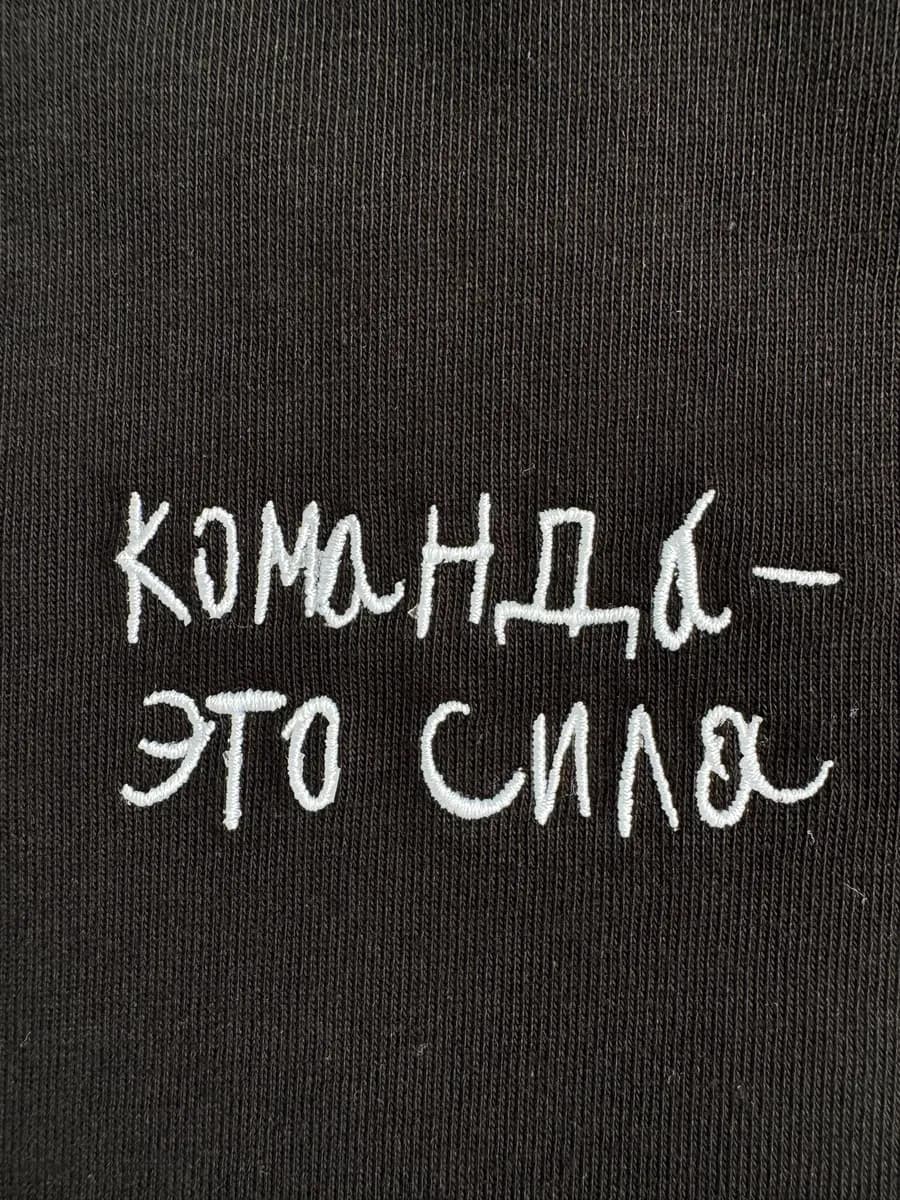
We will agree on the embroidery size on Telegram. Its limits: Embroidery on hoodies and sweatshirts: what works and what does not. The service: embroidery.
Fonts to outlines
Convert fonts to outlines. Without outlines, another computer can swap the font when it opens the file, and the lettering changes shape. In an editor, use a command like "Create Outlines".
Colors for screen printing
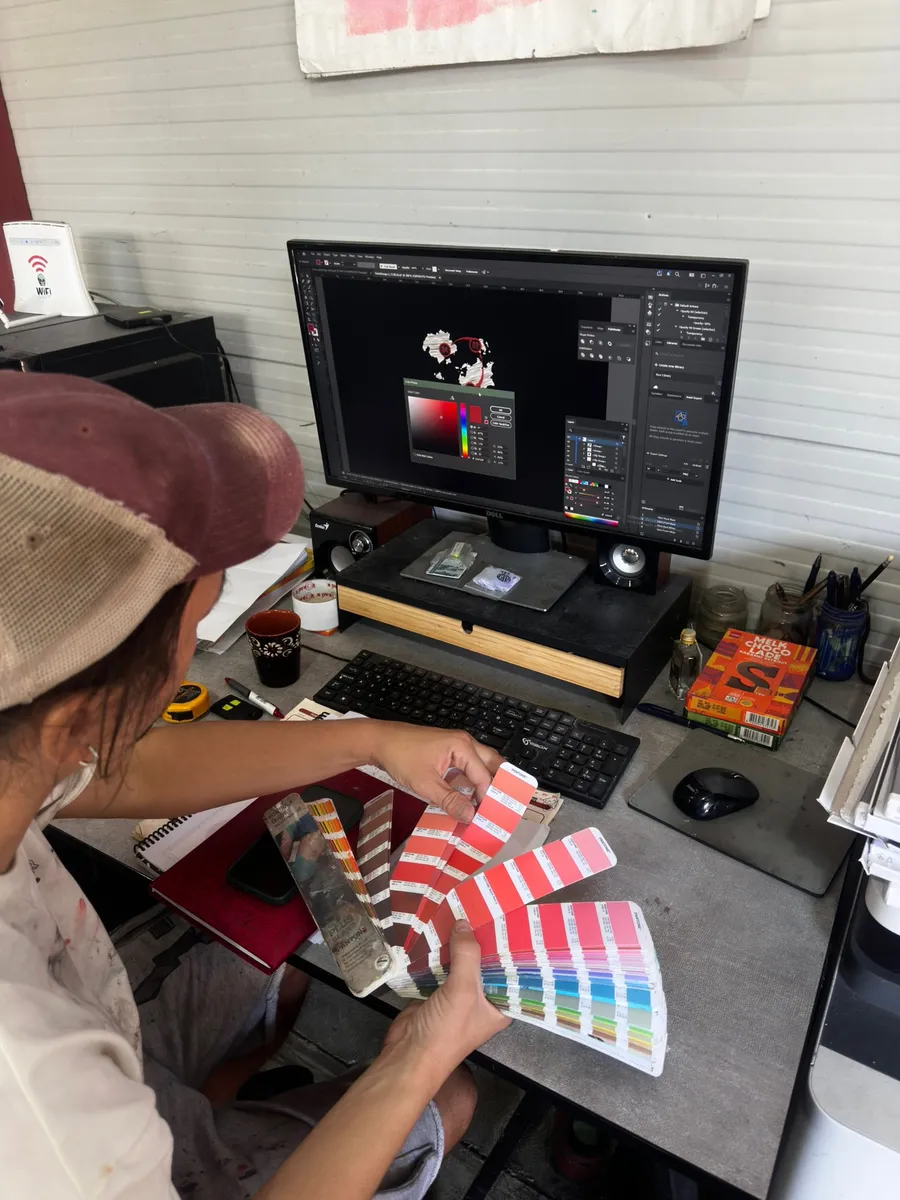
In screen printing each color needs its own screen and prints separately. Usually you give colors in Pantone, one color per layer, so send a layered PDF. More on the technique: screen printing.
Checklist before you send
- A vector file or a layered PDF.
- Scale 1:1: the width and height in centimeters match the size on the garment.
- The size of the mark fits the table for your technique. For embroidery, we set the size together.
- Fonts converted to outlines.
- For screen printing: colors usually given in Pantone, one color per layer.
What to send with the file
Add three things to the file:
- Which garments you want and how many.
- Sizes: size and height for each person, or a rough split.
- Placement: chest, back or sleeve.
The whole order, step by step: How to order team merch.